Workspaces and API keys
A Rius workspace is where your traces live. Every trace your SDK or collector sends belongs to exactly one workspace, determined by the API key it authenticates with. The workspace switcher sits at the top of the sidebar; everything you see in the console (traces, agents, keys, settings) is scoped to the selected workspace.
Workspace identity
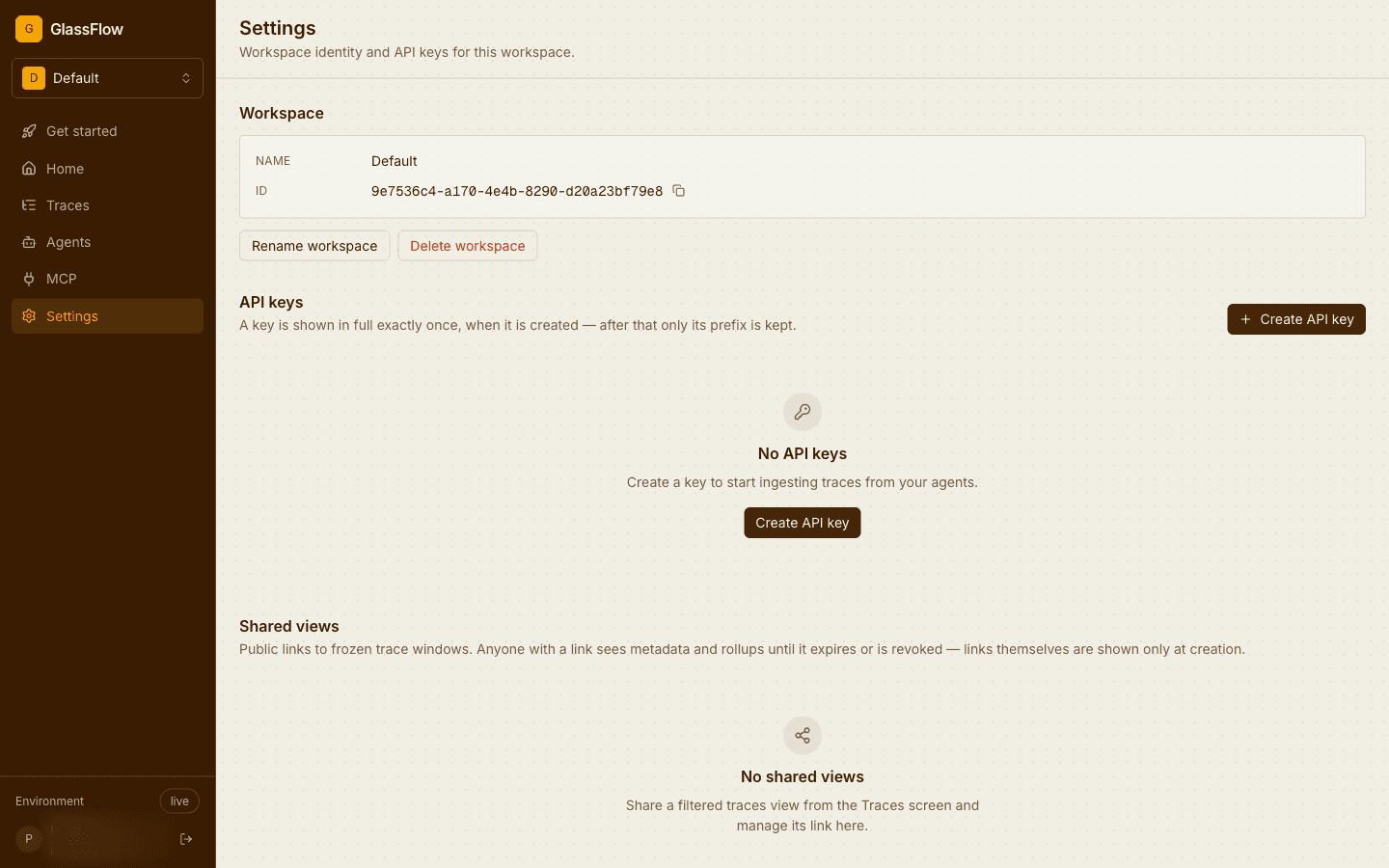
Settings shows the workspace’s name and ID, and lets admins rename or delete it:
Create and rotate API keys
API keys authenticate ingest. Each key belongs to one workspace: traces sent with it appear there and nowhere else. Create keys from Settings or from the Get started page.
A key is shown in full exactly once, when it is created; afterwards the console keeps only its name and prefix, and the server stores only a hash. Lose a key and the path is revoke and reissue, there is no recovery. Revoke takes effect immediately: in-flight traffic with a revoked key starts failing authentication right away, so rotate by creating the new key first, moving your agents over, then revoking the old one.
Next steps
- Sharing and organization: members, invitations, and public trace links.
- Installation and configuration: where the API key goes in the SDK.